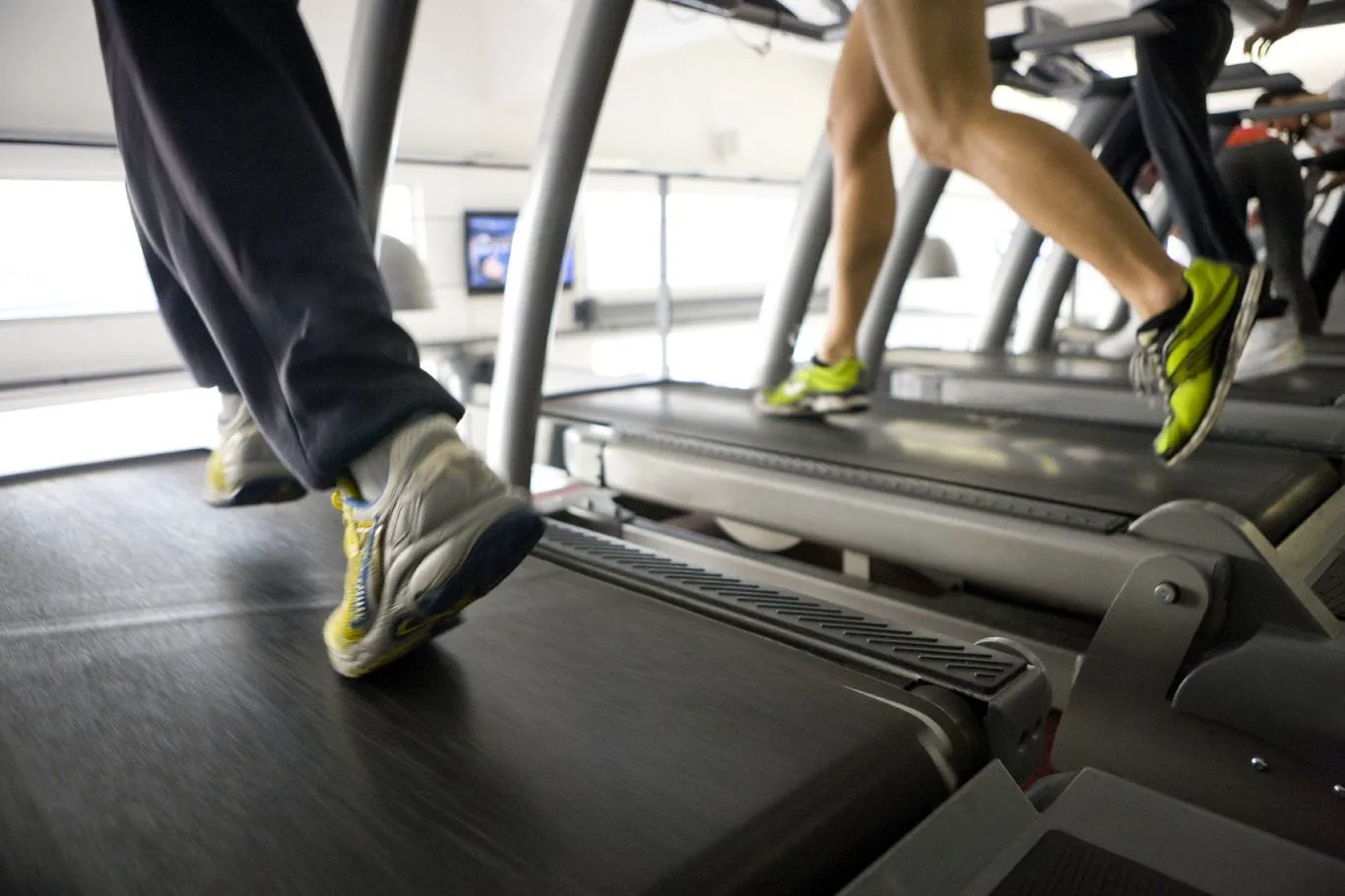
Treadmill Console Calibration
Speed, Incline & Self-Test Verification
A treadmill's console keeps a running record of its own speed and incline settings, and that record can drift out of sync with what the belt and incline motor are actually doing — especially after a motor control board is replaced or a console is swapped. When that happens, the display no longer matches your real pace, or the self-test throws an error. Calibration re-syncs the console to the machine's actual hardware. It requires the motor cover removed and takes a few minutes, but two of the steps are required to exit cleanly — skip either one and the console is left showing an error message.
Step-by-Step Care
1. Enter calibration mode
With the motor cover removed and the console powered on, press and hold the Stop key and the Speed Up key together, then insert the safety key while still holding both. Key combinations vary by model — if this doesn't open calibration mode on your unit, call us and we'll give you the correct sequence for your specific console.
2. Check the self-test result
Press Stop once. The time window should read EP:2P — the second digit is what matters, and it must show P for Pass. If the second digit shows F for Fail, stop here and call us before continuing. Some newer consoles display UER or VER instead of EP:2P — that's normal for those models.
3. Calibrate the incline
Press either incline key. The incline calibrates itself automatically — no further action needed.
4. Enter max speed mode
Press and hold the Speed key until the display reads 85. The belt will run at full speed during this step — stay off the belt completely until it is stopped again in Step 6.
5. Compare and adjust the top speed
Compare the treadmill's actual top speed to the number on the console. If they don't match, locate the small silver, orange-centered potentiometer labeled "tach" near the outer edge of the motor control board. With a small insulated screwdriver, turn it clockwise to speed up and counter-clockwise to slow down. Small turns make a big difference — adjust in tiny increments. Target range: within 0.2 MPH of the treadmill's rated top speed (a 10 MPH treadmill should read between 9.8 and 10.2 MPH). Some models are rated for 12 MPH — call us if you're unsure of your model's top speed.
6. Exit speed test (required)
Press the Speed Down key. The treadmill returns to 0 MPH on its own — let it come to a complete stop before continuing. Skipping this step will leave the console showing an error message.
7. Exit calibration mode (required)
Press Stop once and remove the safety key. Skipping this step will leave the console showing an error message.
Please Avoid
- Stepping onto or near the belt during Step 4 — it runs at full speed
- Skipping the Step 6 or Step 7 exit sequence — either one left out leaves an error on the display
- Making large adjustments to the tach potentiometer — small turns produce large speed changes
- Continuing calibration after a Fail (F) result on the self-test
- Attempting calibration with the motor cover still on
- Guessing at your model's rated top speed instead of checking the manual
When to Call Us
- The self-test shows F for Fail on the EP:2P readout
- Your key combination doesn't open calibration mode on your specific console
- The top speed won't come within 0.2 MPH of the rated speed even after adjusting the tach potentiometer
- The console still shows an error after completing all seven steps
- You'd rather not open the motor compartment yourself
Frequently Asked Questions
- How do I enter calibration mode on a treadmill?
- With the motor cover removed and the console powered on, press and hold the Stop key and the Speed Up key together, then insert the safety key while still holding both. Key combinations vary by model — call a technician for the correct sequence if this doesn't work on your unit.
- What does EP:2P mean on a treadmill self-test?
- EP:2P is the self-test result shown during calibration. The second digit is what matters and must show P for Pass. If it shows F for Fail, stop the calibration and call a technician before continuing. Some newer consoles show UER or VER instead, which is normal for those models.
- How do I adjust a treadmill's top speed during calibration?
- Locate the small silver, orange-centered potentiometer labeled "tach" near the outer edge of the motor control board. Using a small insulated screwdriver, turn it clockwise to speed up and counter-clockwise to slow down, in small increments. The target is within 0.2 MPH of the treadmill's rated top speed.
- Why does my treadmill console still show an error after calibration?
- The two exit steps — pressing Speed Down to return to 0 MPH, then pressing Stop and removing the safety key — are both required. Skipping either one leaves the console showing an error message even if the rest of the calibration was done correctly.
Download the free PDF guide: Treadmill Console Calibration (PDF)
Back to all maintenance guides.
Heartbeat Fitness Repair — Tampa Bay, FL. Call 727-512-5120 or book online.